TechConnect
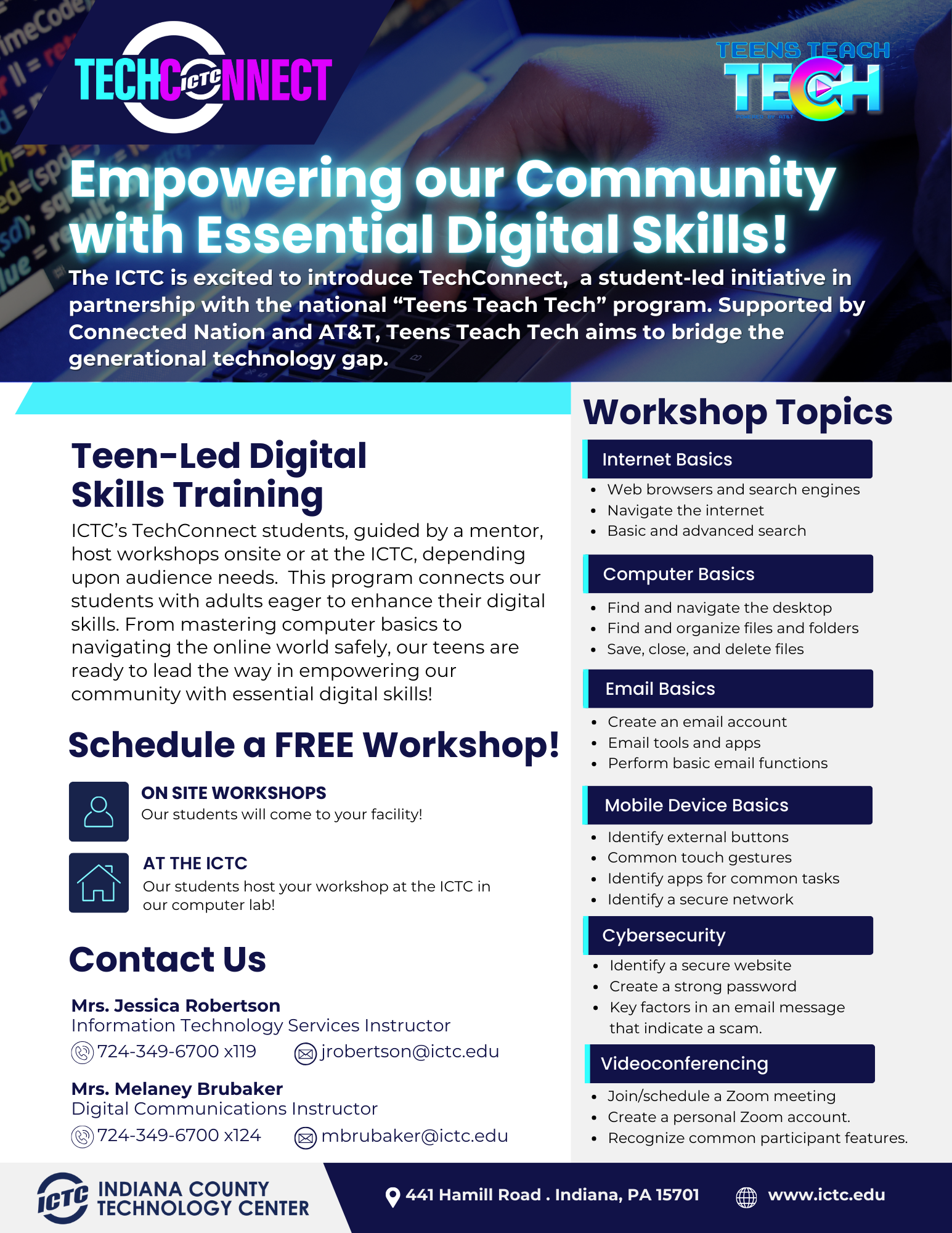
Computer Basics
This material is designed for beginners who are new to using a PC or Mac, or those looking to gain confidence with the Windows 10 or Mac operating systems. Topics covered include managing applications, files, and folders, as well as saving and deleting files.
Internet Basics
These materials are for learners new to the internet who want to gain confidence in finding information online and navigating websites. Topics include using web browsers and search engines, internet navigation, and tips for conducting both basic and advanced online searches.
Cybersecurity
This content is aimed at learners interested in internet safety and protecting themselves from cyber threats. Topics include how to visit websites securely, identify suspicious communications, and create strong, secure passwords.
Email Basics
Designed for beginners, this material focuses on using Gmail, one of the most popular email platforms. Topics include setting up a Gmail account, sending, receiving, replying to, organizing, deleting, and searching emails, as well as recognizing suspicious or phishing emails.
Mobile Device Basics
This material is for learners with new Android or Apple mobile devices, or those considering getting one. Topics include connecting to the internet, learning essential functions, using common apps, and ensuring the device is used safely.
Video Conferencing Basics
These materials are intended for learners who want to confidently use Zoom, a widely-used video conferencing platform, for online meetings. Topics include setting up, joining, and navigating Zoom meetings.